plot(cars)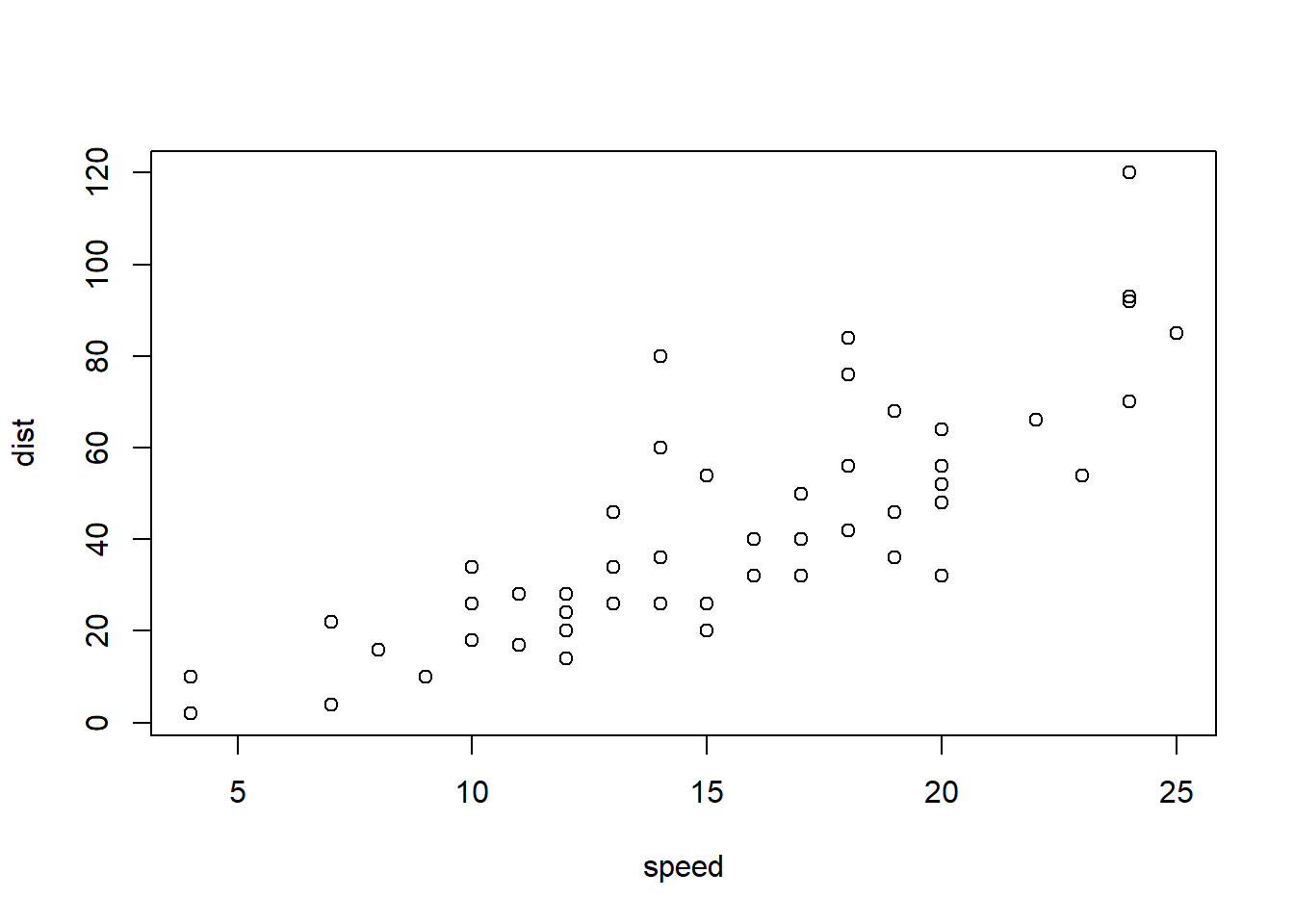
\(\definecolor{frog}{rgb}{1,0,0}\) \(\newcommand{\dx}{\,\text{d}x}\) \(\newcommand{\du}{\,\text{d}u}\) \(\newcommand{\dy}{\,\text{d}y}\) \(\newcommand{\dt}{\,\text{d}t}\)
I have a Quarto extension Invisible text extension to make hiding text easy. Mostly for use in gapped notes, or perhaps handouts.
It implemented by simply setting text to fully transparent (and not selectable). Screenreaders will be able to see it, and they will also get informative notifications about the visibly hidden text. In LaTeX/PDF it is rendered as white text.
Just install it as any other extension via
quarto add david-hodge/invisand then you can use it via usage of the following shortcodes.
{{< invis start >}}{{< invis end >}}By default these are designed to hide a single block/element on a page. It can hide a single equation, a single word, a single line or text, etc.. However it cannot hide multiple paragraphs or more complex elements.
To hide more complex elements, use the block extra paramater.
{{< invis start block >}}{{< invis end block >}}There are limitations for complex multiple blocks (see below).
This first sentence is fully visible.
Note: the following content is visually hidden. This second sentence is fully visible. End of visually hidden content.
This third sentence is fully visible.
I don’t imagine you would wish, but should you wish to hide some fundamental Quarto object like a code block and the resulting output you are recommended to use the built-in features like setting echo: false on the code block, or read about Conditional Formatting in Quarto.
You can use this invis extension to hide large blocks of content in the HTML, but for such elements they will likely appear in the PDF, since all we are doing in the PDF is setting standard text as white, and code and plots are not standard text.
plot(cars)The code and output plot above are fully hidden in the HTML. Likely fully visible in the PDF. If you already have a favourite way of hiding in LaTeX this is likely usable, but too complex for this guide.